File guide
Which video file?
If you have one copy of a favourite video, start there. If you’ve found the same birthday recording on a laptop, in a photo library and in a family chat, this guide can help you choose a copy.
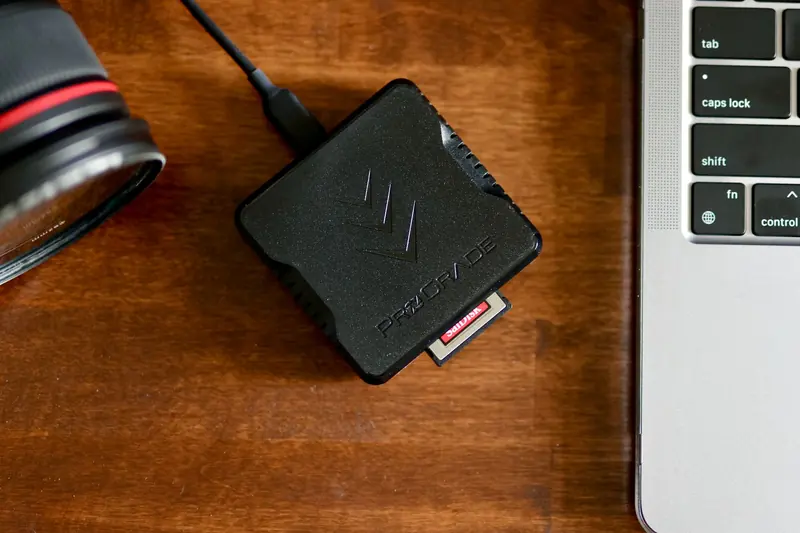
Find the earliest copy
Look on the phone or memory card that recorded the video, the computer it was first copied to, and any backup drive from that time. Copy the video to a working folder and keep the original safely stored.
If your copy lives in Apple Photos, choose an unmodified original when exporting or downloading. This avoids making another edited export. Apple’s download instructions.
In Google Photos, check the backup quality for the individual video. Original quality preserves the recorded quality. Storage saver can compress video and resize footage above 1080p. Changing the setting now won’t restore detail already lost in an earlier backup. Google’s backup-quality guide.
Choose between copies
The file saved by the camera usually holds more detail than a version shared in a message. If you’re unsure, playing the same few seconds in each copy can help. A face or a pattern on a shirt is often easier to see in one version.
Check that the copy includes the beginning and end you want to keep. A larger file or a “4K” label doesn’t always mean it’s the better original. If the copy from a family chat is the only one you have, keep it.
We’ll choose the sample
Leave the video as it is. We’ll pick a section that represents the recording, choose the enhancement settings and prepare your free sample. There’s no editing to do. If a particular moment matters to you, we’re happy to hear about it.